PSA: How to Turn On Earthquake Alerts on Your iPhone and Android

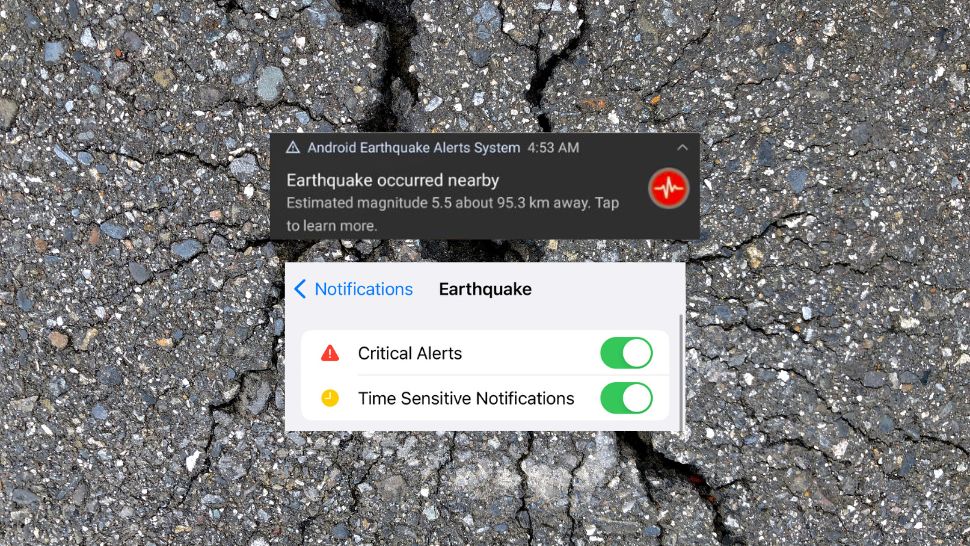
In 2023, you can now be alerted about earthquakes before you even feel the first shake. God Bless technology in moments like this because these simple phone alerts could mean the difference between life and death. This is the Philippines—earthquakes are no joke.
Aside from the tried and tested #lindol verification system—aka Twitter—there are a number of built-in phone systems and third party apps that can let you know when an earthquake is occurring in your area. They'll let you know when an earthquake is coming minutes or seconds before you actually feel it.
Also read:
This Is How Google Woke You Up to Tell You There Was an Earthquake
How to Assess Your Home After an Earthquake
Here’s how to turn on your earthquake alerts on your iPhone and Android.
How do I turn on earthquake alerts on Android?
Android’s earthquake alerts are definitely more efficient than the iPhone’s right now. The Android system doesn’t rely on SIM cards, like the NDRRMC alerts. It doesn’t even wait for government notices or data. Instead, Google gathers data through the internal accelerometer in every Android phone. The accelerometer picks up vibrations and sends this information to Google, which gathers data points from Android phones everywhere. If there are enough data points for Google to determine that an earthquake is taking place, Google then sends out earthquake warnings to every Android phone in the affected area.
This efficient system is built into every phone, and you only need to toggle a few features to turn on the earthquake alerts on Android.
Got to Settings > Location > Earthquake Alerts. Turn on the earthquake alerts, as well as the Emergency Location Service. If your Android device is a little different, just search “Earthquake alerts” in settings, and you should be good to go.

How do I turn on earthquake alerts on my iPhone?
Unlike Android’s earthquake alerts, your iPhone’s earthquake alerts will rely on government notices and updates. So it won’t always be as prompt as Android alerts.
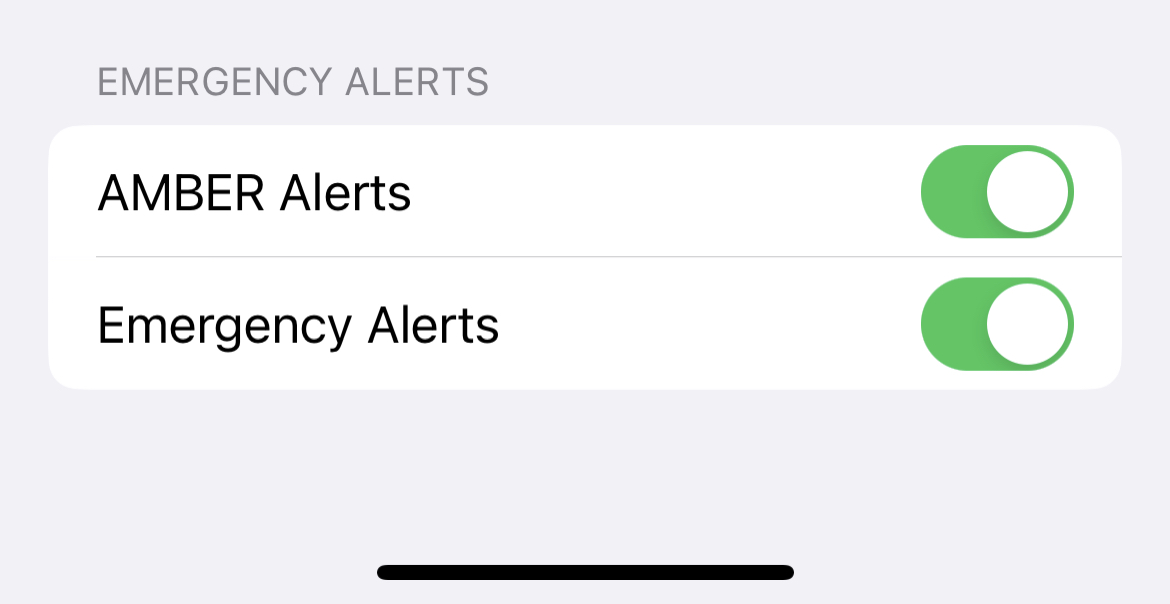
To turn on your government alerts on your iPhone, go to Settings > Notifications > Emergency Alerts. Turn on Emergency Alerts.
The iPhone earthquake alerts are reportedly better in other countries than in the Philippines, so if this isn’t enough for you, here are three third-party earthquake alert apps in the App Store.
1| Earthquake
Earthquake is the most downloaded earthquake-related app in the store. It’s the most comprehensive map of all the active earthquakes happening in different countries, pulling data from geological organizations around the world. Its critical alert system is also the best of the three recommended.

Download Earthquake in the App Store.
2| QuakeFeed
QuakeFeed probably has the best interface among the options we’ve provided you. It’s clean, simple, and designed like a built-in Apple app. The only downside is that it has many ads, but for safety’s sake, it’s tolerable.

Download Quakefeed in the App Store.
3| My Earthquake
My Earthquake offers the same services as Earthquake, only it’s more simplified and streamlined. It’s not as comprehensive, but it gets the job done.

Download My Earthquake in the App Store.